Payments that fit how your department works
Make it easy to pay online, at the counter, or on the go. Keep payments connected to registrations, rentals, memberships, and sales, with tools that simplify everyday work for staff and finance.
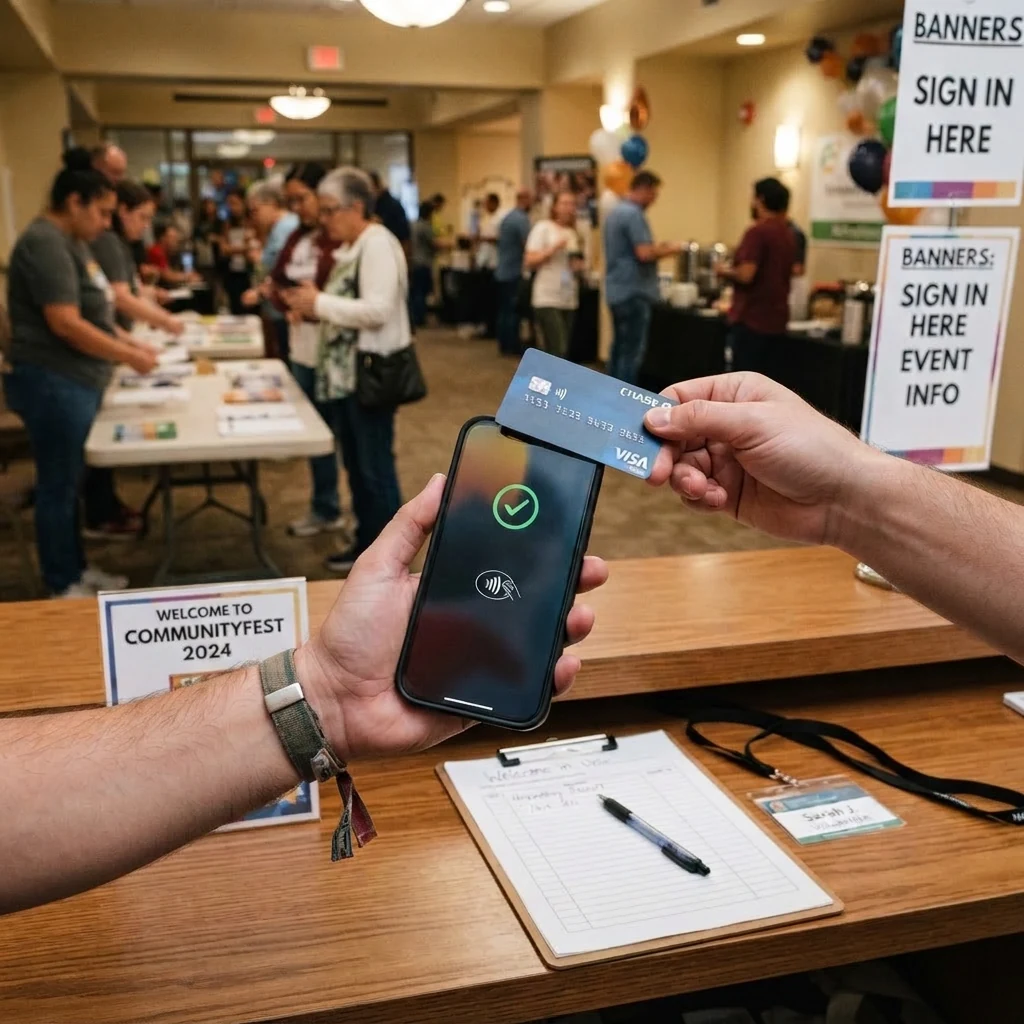

Make it easy to pay online, at the counter, or on the go. Keep payments connected to registrations, rentals, memberships, and sales, with tools that simplify everyday work for staff and finance.
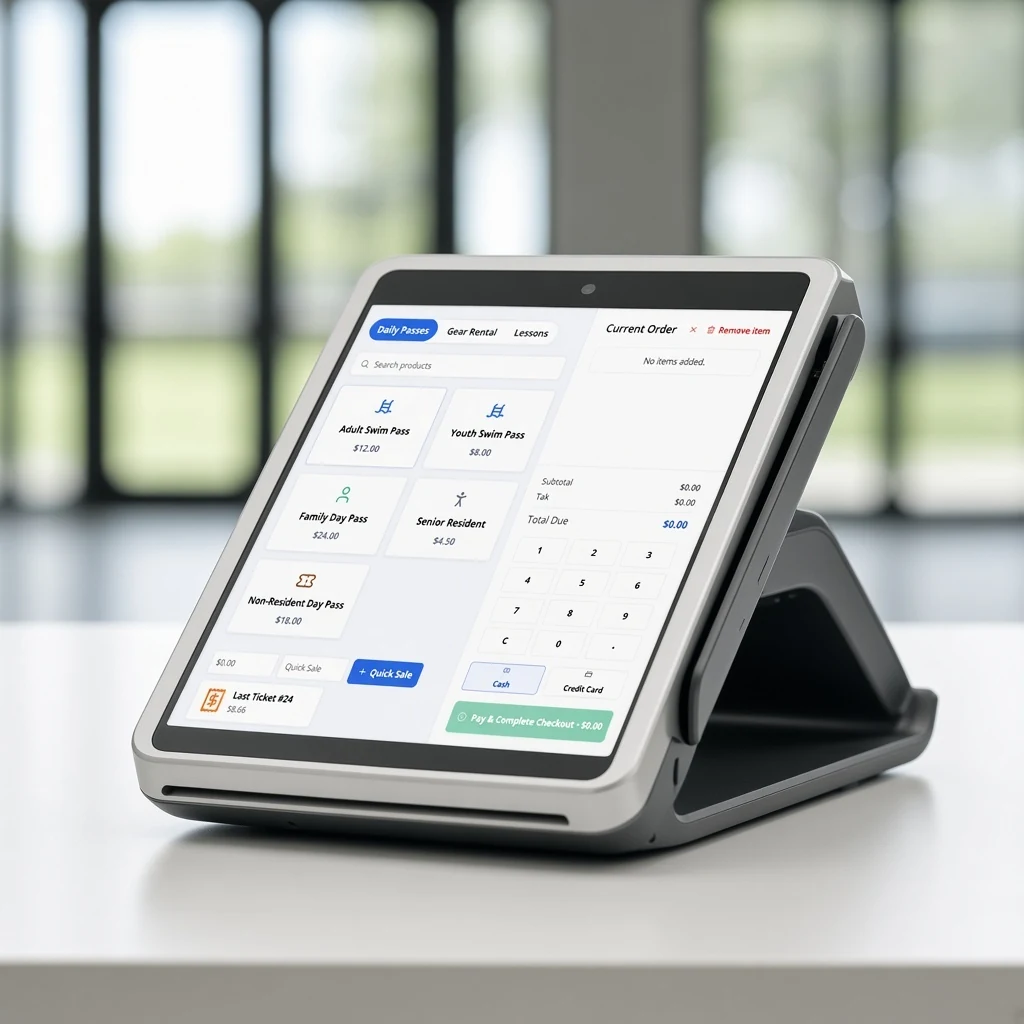
Give your community convenient ways to pay, with connected tools for checkout, sales, billing, and reporting.
Accept credit and debit cards, ACH, and digital wallets, including Apple Pay and Google Pay.
Accept contactless payments on compatible smartphones, giving staff more flexibility wherever they serve your community.
Collect deposits, track remaining balances, and set up recurring payments, with invoicing tools that keep billing connected to each customer’s account.
Manage scholarships and customer account credits, and apply them toward eligible charges according to your department’s policies.
Track revenue by cost and revenue center, export reports, and support reconciliation with your finance system.
Handle front-desk and merchandise sales with integrated POS that keep sales and stock organized.
Process refunds when they’re needed, even when your available processing balance won’t cover them. With Parkify, you don’t have to wait for new payments to come in before issuing a refund.
Issue full or partial refunds according to your department’s policies.
Collect deposits and track remaining balances.
Keep payments and refunds connected to the original registration or booking.

Parkify supports credit and debit cards, ACH, and digital wallets, including Apple Pay and Google Pay. In-person options include payment terminals and Tap to Pay on compatible smartphones.
No separate card reader is needed when using Tap to Pay on a compatible smartphone. We’ll help confirm device compatibility during setup.
You may already have what you need. Tap to Pay works on many existing iPhones, Android smartphones, and NFC-enabled Android tablets, without a separate card reader. We’ll help confirm compatibility during setup.
Yes. Collect a deposit upfront and track the remaining balance, with billing connected to the customer’s account and booking.
Yes. Authorized staff can issue full or partial refunds according to your department’s policies. Refunds remain connected to the original payment for tracking and reporting.
Parkify supports financial reporting and Excel and CSV exports, with finance-system integration options available.
Payments are processed through our PCI-compliant payment provider.
Yes. Choose daily, weekly, or monthly deposits to match your City’s finance and reconciliation workflow.
Yes. Parkify supports scholarships and financial assistance, helping your department apply awards toward eligible program fees according to your policies.
Yes. Parkify tracks customer account credits and supports applying them toward eligible purchases, so staff can manage available balances and their use in one place.
Keep each payment connected to what it was for, so staff can follow transactions across the services your community uses.
Manage program and camp payments alongside enrollment, with refunds connected to the original transaction.
Keep rental payments, deposits, and outstanding balances connected to the booking.
Connect membership purchases and renewals with member accounts, including recurring payments for auto-renewing memberships.
Collect league registration fees and sell event tickets, including reserved seating.
Walk through online checkout, an in-person sale, and a refund, then see how the details come together for staff and finance.
